
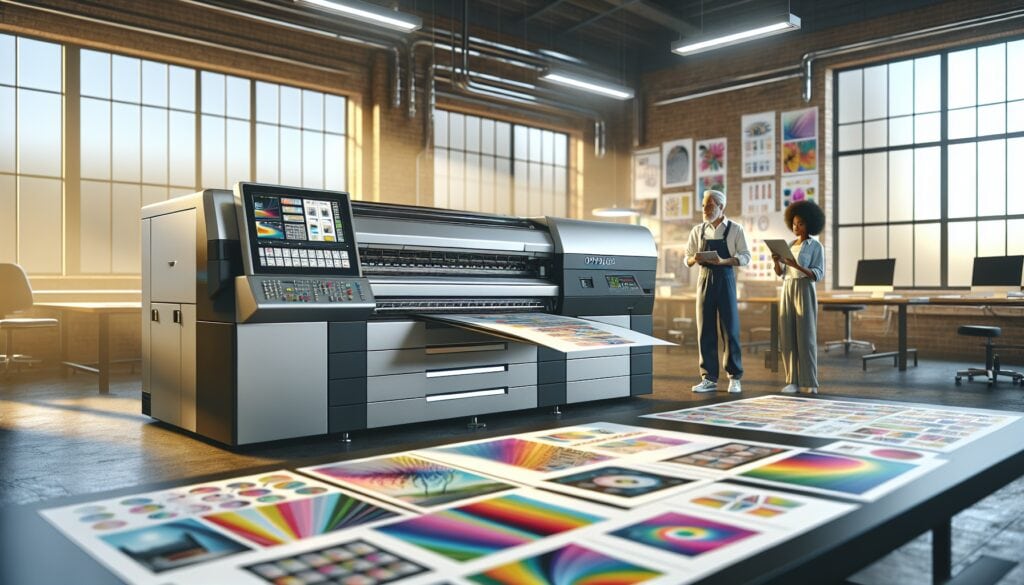
An image may look sharp on screen and print blurred in a brochure. It may also create an enormous file without adding visible print quality. What matters is the effective resolution at final size, not an isolated number in the image properties.
When preparing images for Offset printing, distinguish source pixels, the dots produced by the output device and the halftone screen frequency.
General guide: 300 effective PPI is commonly used for photographs viewed at close range, but the required resolution depends on the process, screen ruling, substrate and viewing distance.
PPI, DPI and LPI are different measurements
- PPI: image pixels per inch at reproduction size.
- DPI: dots per inch generated by an output device.
- LPI: lines per inch in a periodic halftone screen.
These terms appear together in prepress, but they are not interchangeable. A 300 PPI photograph does not mean that the plate is imaged at 300 DPI.
How to calculate effective resolution
Effective resolution changes when an image is enlarged. A 3,000-pixel-wide image placed at 25.4 cm (10 inches) has an effective resolution of 300 PPI. At 50.8 cm, it has 150 PPI.
Check images inside the layout at their final reproduction size, not only in the original file.
Resolution for photographs and graphics
Photographs viewed closely should have a resolution appropriate for the print screen. Logos, fine lines and text are better kept as vector elements whenever possible.
Upscaling a small bitmap may reveal pixels. Changing its PPI value does not recreate detail that was absent from the original.
Screen ruling and halftones
In offset printing, screening determines how tones are reproduced. Screen ruling and screening method influence the useful image resolution. AM, FM and hybrid screens have different requirements.
Mistakes to avoid
- Confusing device resolution with image resolution.
- Using small images downloaded from the web.
- Enlarging a photograph without checking effective PPI.
- Rasterising text or logos that could remain as vectors.
- Sending huge files that contain no additional useful detail.
What to check before offset printing
Check dimensions, bleed, effective resolution, links and colour profiles, then export the PDF to the printer’s specifications. Review our offset printing service when preparing an editorial or commercial print run.
Important: sharpness does not depend on the file alone. Paper, screening, production method and press stability also affect the result.
Frequently asked questions
Is 300 PPI compulsory?
No. It is a common reference for close-viewed photographs, not a universal rule.
Can changing the PPI improve an image?
Changing the number without adding genuine image information cannot recover lost detail.
What does LPI describe?
It describes the frequency of a periodic halftone screen and helps relate the printing process to reproducible detail.
Planning a print project? Tell us the format, paper, quantity and intended use so that we can review the appropriate specifications.
This post is also available in:
 Français (French)
 Português (Portuguese (Portugal))
 Español (Spanish)